Add students & assign subjects
Create a class, add your students, and connect them to the right VCE VM subjects in a few taps.
Know exactly where every student stands.
Catalog pre-loaded for all Units 1–4 key skills. Start tracking immediately with the complete VCE Vocational Major curriculum.
Quickly add your students to a class roster, for any year level. Organize multiple classes with ease.
Assign subjects to each student from the growing curriculum catalog. Customize per student needs.
Monitor student progress in real-time. Visual dashboards show exactly where each student stands.
A flexible tool designed for every subject and year level. Whether you teach primary, secondary, or VCE, trackME adapts to your needs.
Works perfectly on any device, from phone to IWB. Mark on the go or project in class — your choice.
Built on Google's secure infrastructure to protect student data.
Export to JSON & CSV for your records and reporting.
Progress updates instantly as you mark skills complete.
Short clips showing real workflows from setup to analytics.
Create a class, add your students, and connect them to the right VCE VM subjects in a few taps.
Use the assessment view to tick off key skills and record results while teaching.
Glance at the dashboard to see which students are on track and who needs support.
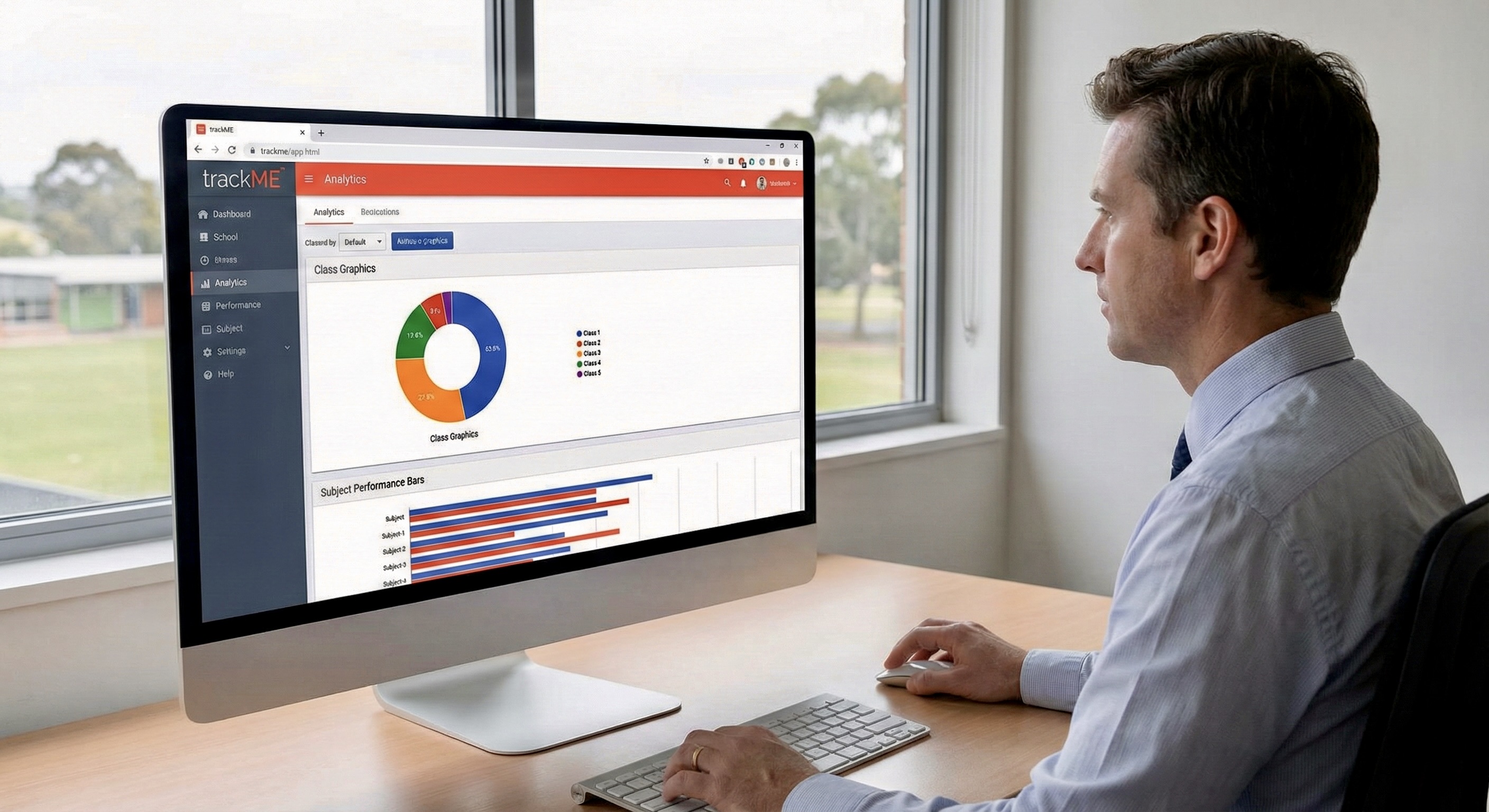
Use detailed analytics to explore trends, subjects, and cohorts for reporting and planning.
We're in public beta. Individuals can use trackME free; schools can run a pilot via invoice.
during beta
for invoice / PO
From first sign-in to finished marking in minutes.
Teachers sign in securely with email and password.
Set up your class and add students to the roster.
Assign subjects and tick off key skills. Progress updates instantly.
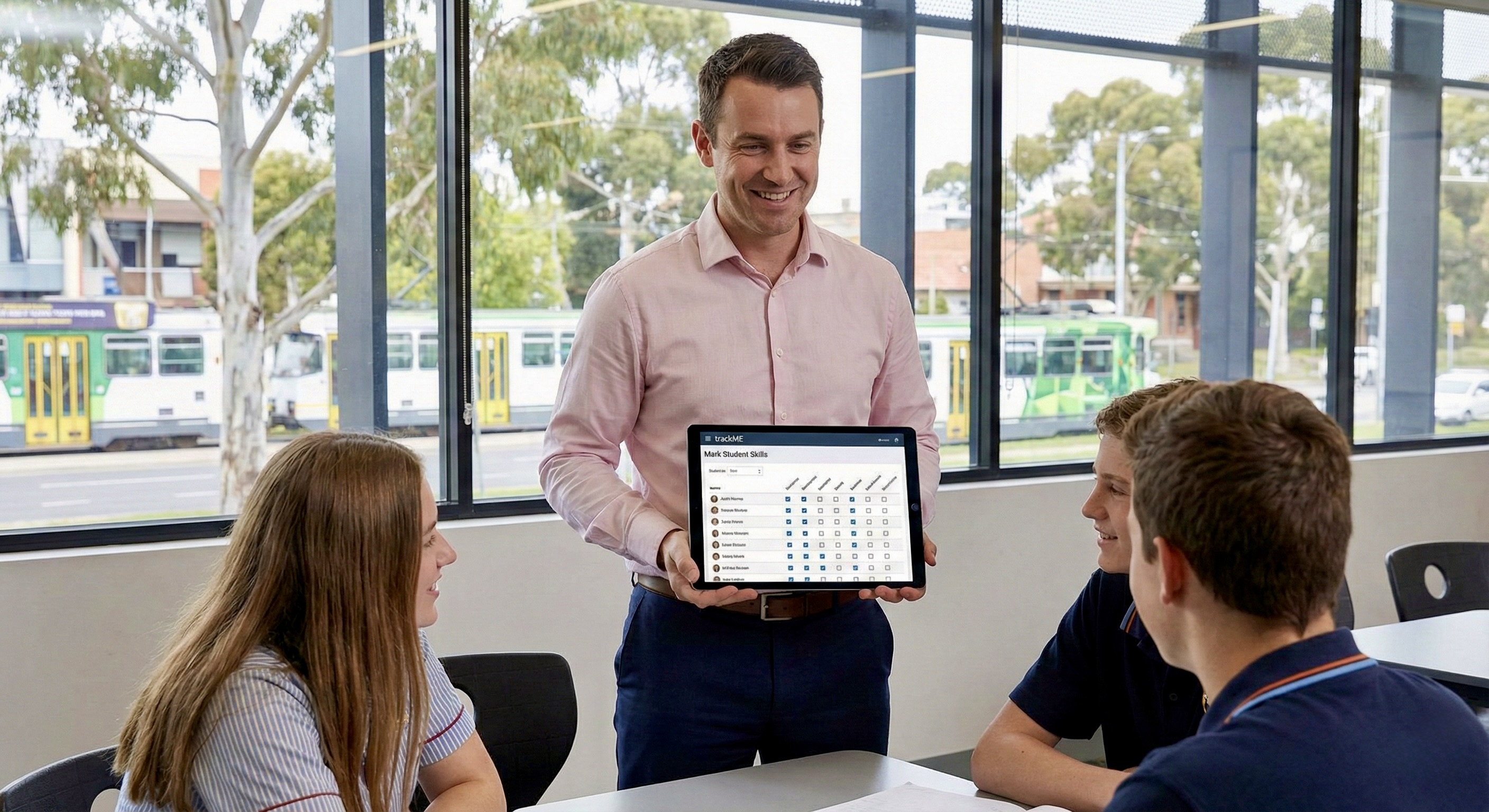
Mark student skills during lessons using the trackME app on your tablet. The assessment interface allows immediate marking in a dynamic classroom environment.
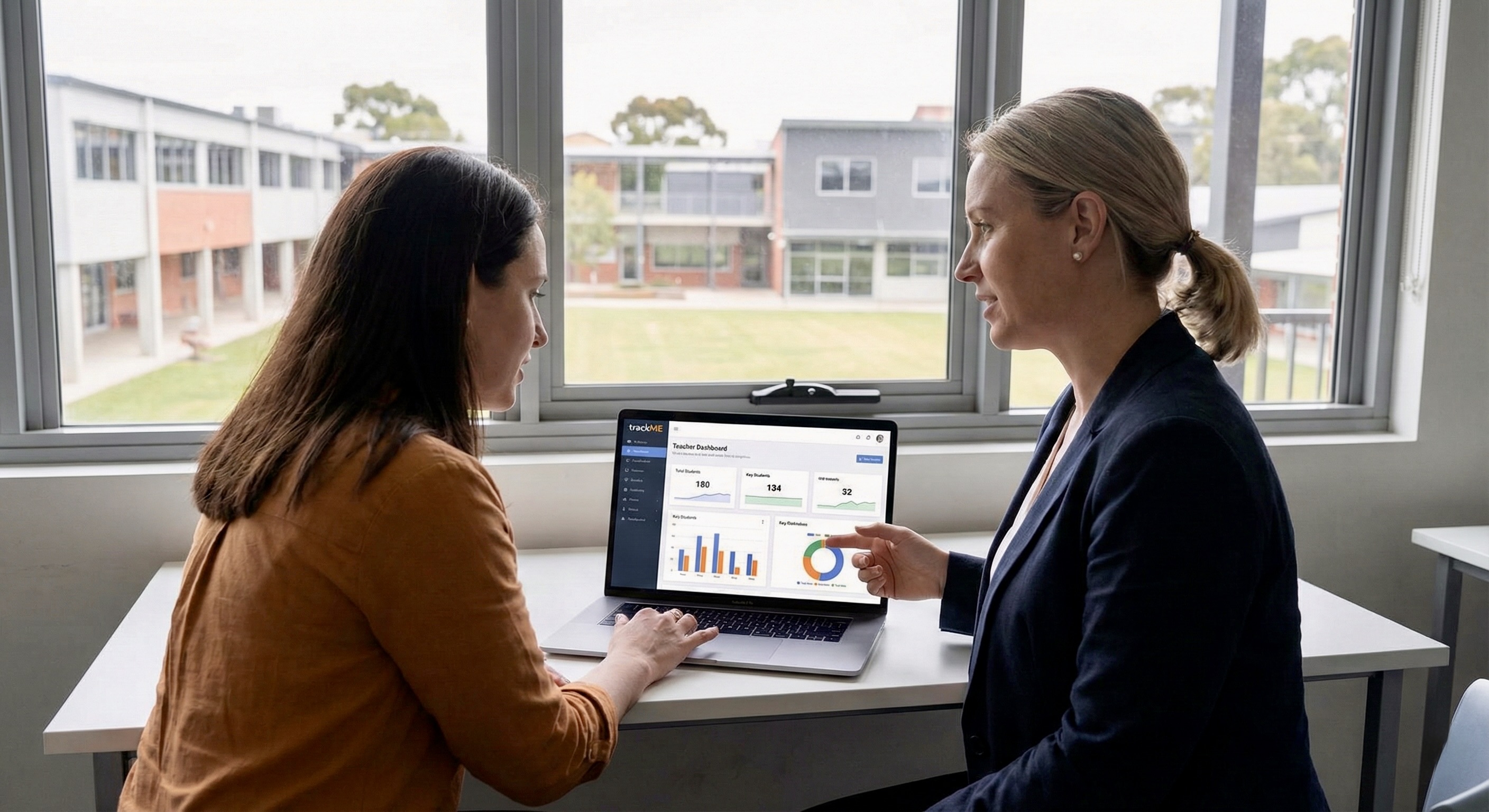
View the Teacher Dashboard together to discuss student progress, share insights, and coordinate support strategies across your team.
School administrators can review school-wide performance data. Charts provide insights into class completion and subject performance for high-level reporting.
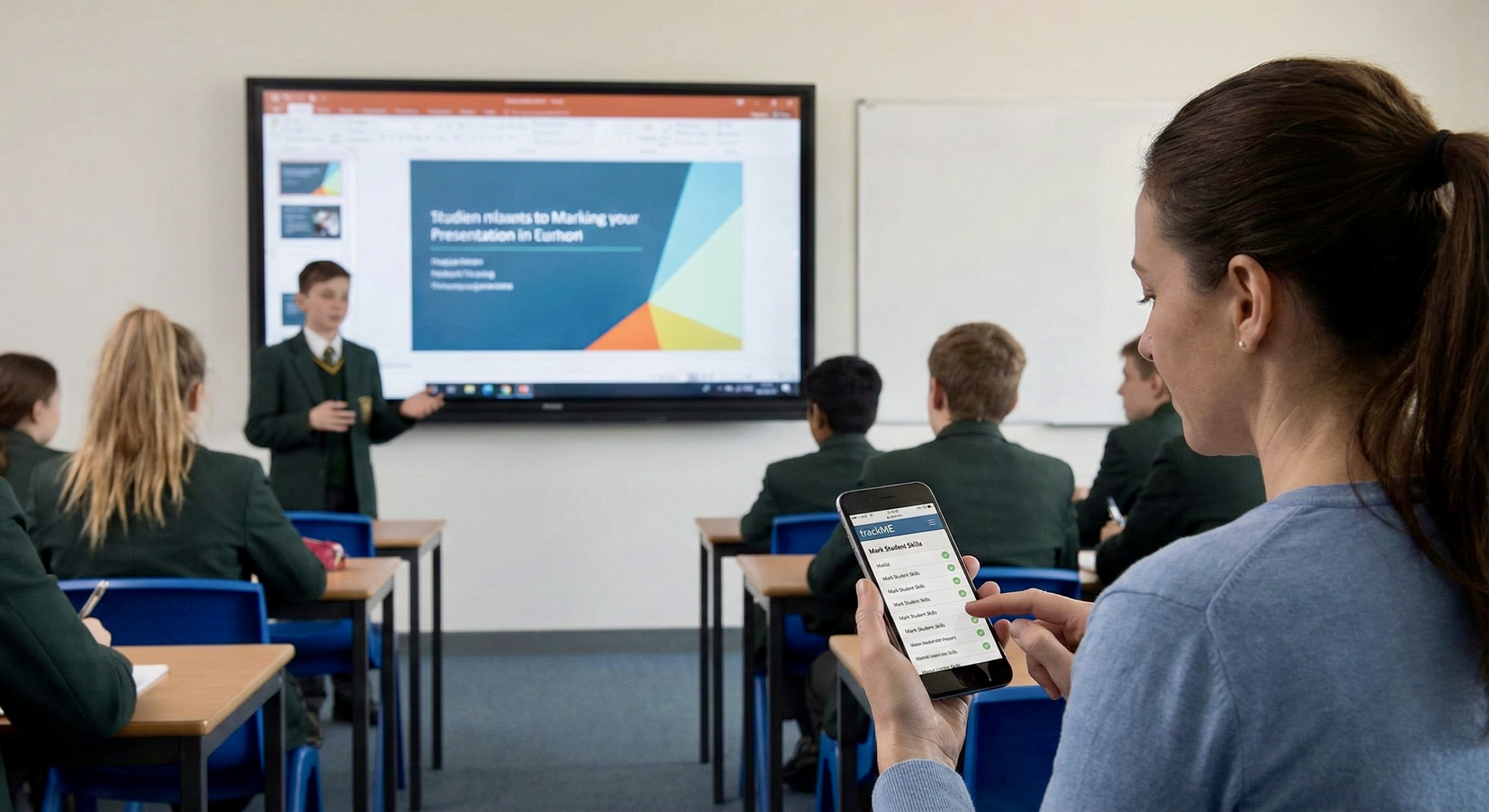
Mark student presentations and assessments in real-time on your smartphone. The mobile interface is optimized for on-the-go use.
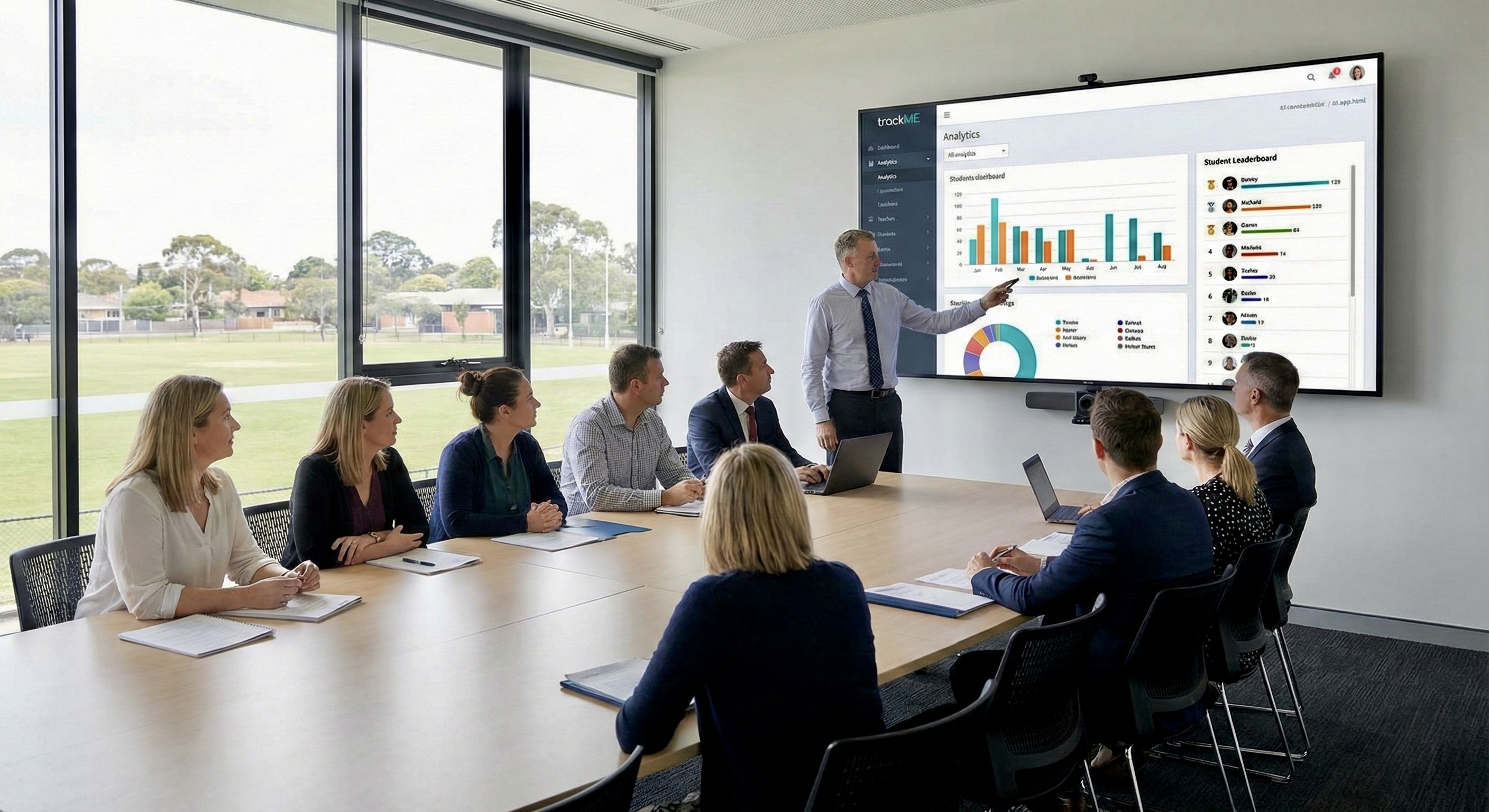
Project the Analytics dashboard on a large screen during staff meetings to enable data-driven discussions and informed decision-making.
Your data is protected with industry-best practices.
Built by a Victorian teacher with cybersecurity training, including the Google Cybersecurity Professional Certificate (Coursera).
We use Firebase Authentication to handle sign-ins securely. Your credentials are never stored on our servers.
All data is encrypted in transit and at rest. Stored on Melbourne, Australia servers via Firebase, ensuring compliance with Australian data residency requirements.
Using Firestore Security Rules, each teacher's and school's data is strictly isolated, preventing any unauthorized cross-account access.
I'm a VIT registered teacher who makes apps for teachers. As someone who has experienced burnout and seen excellent staff leave the profession, I built trackME to reduce administrative burden and help teachers focus on teaching.
Fill out the form below to request access. We'll review and get back to you soon.